How to use the Angel or Devil Filter AI
By Sendare AI Studio · Updated October 26, 2026
Whether you search it as the 'angel or devil filter', 'angel or demon filter', or 'devil or angel test filter', the floating percentage meter over your head is one of TikTok's most shared effects — especially for testing dogs, cats, and friends from a still photo. Here is how to run it in your browser without CapCut.
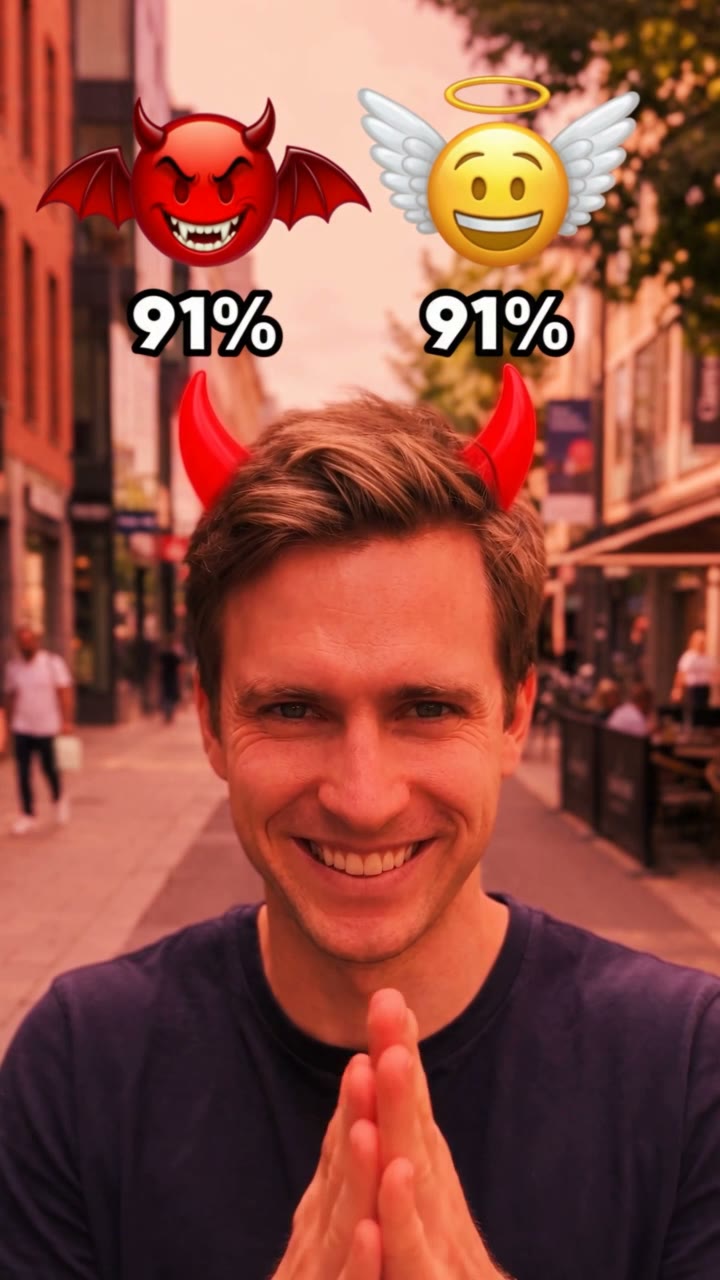
Make your own Angel or Devil Filter video
One photo, 10s 720p MP4 with synced soundtrack, no watermark. From $6.90 one-time.
How do I put the Angel or Devil Filter on a photo step by step?
1) Choose a clear, front-facing chest-up photo of one person or one pet with a bit of room above the head. 2) Upload it on AngelOrDevilAI.com or sendare.co/angel-or-devil-filter-ai. 3) Pick a one-time pass ($6.90 in 480p or $9.90 in 720p HD, no signup needed). 4) Your 10-second 9:16 MP4 opens right on your screen and is emailed to you when ready.
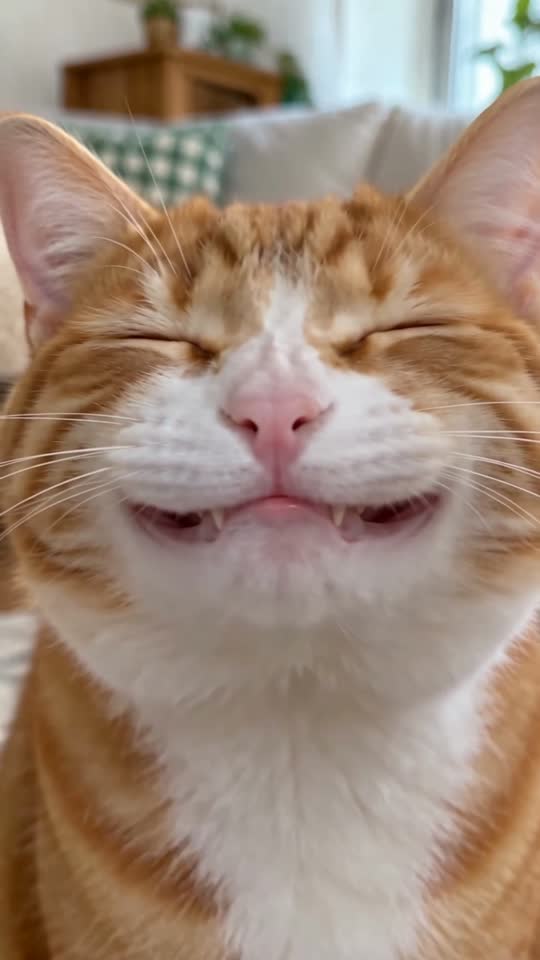
Can I use the Angel or Devil Filter on my dog or cat?
Yes. Upload an eye-level photo of your dog or cat looking at the camera and Seedance 2.5 floats the percentage meter above its head before popping tiny cartoon horns between its ears.